Integration, cloud, DevOps and data guide
Data Migration Planning and Validation: Move Business Records Without Losing Trust
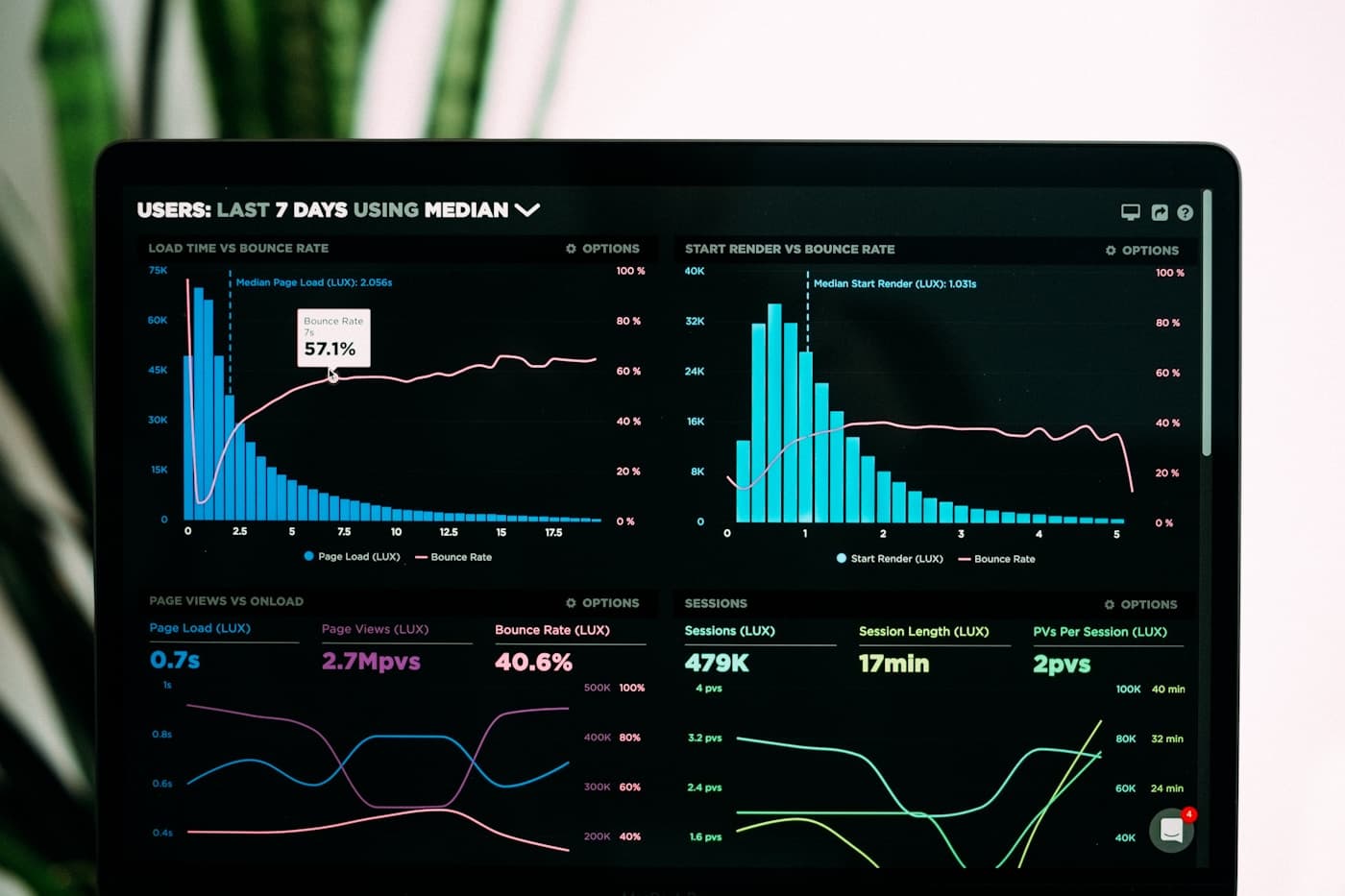
Plan data migration around source quality, mapping, cleaning, rehearsal, validation, rollback and business sign-off rather than a one-time import.
On this page
Data migration is a change in business truth, not a file upload
A migration can appear successful because rows were imported, while still damaging the business through duplicate customers, missing balances, invalid statuses, broken history or reports that no longer agree with the source. The work needs a definition of what a correct record means in the new system.
Start by identifying which data is active, historical, sensitive, legally required or safe to archive. A new platform should not inherit every abandoned field and inconsistent convention simply because it was present in the old one.
Mapping is only one stage. Teams need cleaning rules, transformation logic, exception decisions, rehearsal loads, record counts, financial totals, user acceptance and a rollback or correction procedure. Each of these creates evidence that the business can trust after go-live.
The people who know the data matter. Finance, operations, sales and service teams often understand the exceptions that a technical extract cannot explain. Their sign-off belongs in the plan.
Use this guide when: You are replacing spreadsheets, an old CRM, ERP, POS, database or vendor system and need to move live records into a new platform.
Applying this in a real project
A useful decision in this area starts with a real example, not a broad ambition. Choose a recent situation that represents the work described in this guide and trace it from the first request or trigger through the information used, the person responsible, the decision made, the handoff and the final outcome. This exposes the rules and exceptions that a short requirement or demonstration often hides.
Scope and retention: Separate active records, required history, attachments, audit data and information that can remain archived. Moving less data can improve quality when the business can still retrieve what it needs. Mapping and transformation: Document source fields, target fields, rules, defaults and exceptions. Every changed value should have a reason that can be explained to a user or auditor. Treat these as evidence-gathering questions. Ask the people who perform the work to bring recent examples, including one that went wrong or required a workaround, so the proposed approach reflects the operating reality rather than the ideal process.
Data cleaning ownership: Decide who resolves duplicates, missing values, invalid statuses and conflicting records. Developers can flag a problem, but business owners must decide the correct outcome. Validation evidence: Use record counts, totals, samples, workflow tests and report comparisons. Validation should prove both that data arrived and that people can use it correctly. Write the agreed answer in a form that design, delivery, QA and business owners can use: the trigger, inputs, expected result, permissions, approvals, error or exception path, and the report or record that proves the work was completed correctly.
That level of clarity does not slow a project down. It gives the team a scenario to use in design review, implementation, testing, training and early support. It also makes later change easier because the business can explain why a rule exists, who owns it and what evidence shows whether the outcome has improved.
Migration choices that protect data quality and operations
01
Scope and retention
Separate active records, required history, attachments, audit data and information that can remain archived. Moving less data can improve quality when the business can still retrieve what it needs.
Use one recently completed example to prove that the rule works with the information people actually have. Capture the starting point, the owner, the decision and the expected outcome so the team is not designing from memory.
02
Mapping and transformation
Document source fields, target fields, rules, defaults and exceptions. Every changed value should have a reason that can be explained to a user or auditor.
Make the handoff explicit. The next person should know what has changed, what they must check and how they can recognise that the work is ready for them. Unclear handoffs are where otherwise sound processes become delays and workarounds.
03
Data cleaning ownership
Decide who resolves duplicates, missing values, invalid statuses and conflicting records. Developers can flag a problem, but business owners must decide the correct outcome.
Include the exceptions that happen in normal operations: missing information, a changed request, a delayed dependency, an incorrect record or an approval that cannot wait. A workable design gives people a safe route through those cases instead of forcing them outside the system.
04
Validation evidence
Use record counts, totals, samples, workflow tests and report comparisons. Validation should prove both that data arrived and that people can use it correctly.
Agree how the business will review this after launch. A report, sample check, completion measure, support trend or manager review turns a stated requirement into something the team can improve from evidence.
05
Cutover and recovery
Plan the freeze window, final delta load, user communication, rollback trigger and post-launch correction queue. A go-live needs a controlled way to respond to surprises.
Agree how the business will review this after launch. A report, sample check, completion measure, support trend or manager review turns a stated requirement into something the team can improve from evidence.
Migration methods and the control they require
Method choice should follow source quality, business risk and the allowed downtime.
| Method | Useful for | Validation focus |
|---|---|---|
| One-time cutover | A defined system replacement with a manageable freeze window. | Final delta records, counts, totals and sign-off before users switch. |
| Phased migration | Large programmes where modules or user groups can move in stages. | Cross-system rules, duplicate handling and temporary operating processes. |
| Parallel run | Finance or high-risk workflows that need a confidence period. | Differences between source and target outputs, not only import success. |
| Archive plus active load | Legacy history that users rarely need in the new workflow. | Accessible archive, retention controls and clear user guidance. |
How to move data with evidence at every stage
01
Profile the source
Measure completeness, duplicates, invalid values, volume and sensitive fields before agreeing to a migration date.
Keep the evidence from this stage visible to the people who will make the next decision. It avoids rediscovering the same facts during design, estimation or implementation and gives stakeholders a common reference point when priorities change.
02
Map and clean deliberately
Write the transformation rules, then give business owners a practical queue for exceptions that require human judgement.
Turn the agreed approach into concrete scenarios with realistic roles, data and timing. A scenario is more useful than a broad statement because it can be reviewed by users, built by delivery teams and checked by QA without interpretation being lost between groups.
03
Rehearse the move
Run a repeatable test load, validate the highest-risk records and record the time, failures and corrections needed for a real cutover.
Do not prove only the best-case path. Include a delayed, incomplete, corrected or unusually urgent case so the team can decide what the product, process and support route should do when ordinary conditions are not available.
04
Validate after go-live
Compare totals and samples, test core workflows, keep the correction path open and obtain formal business sign-off.
After the work is in use, compare the intended outcome with actual behaviour. User questions, completion quality, support patterns and operating reports show whether the change is holding up or needs a measured follow-up improvement.
Migration planning should be read with Database Design for Business Applications so the target structure is sound, and with CRM, ERP, POS and Accounting System Integrations when records must continue across connected business systems.
Migration failures that create long-term distrust
Treating all historical data as equally valuable
Moving every old field and attachment can increase cost, risk and confusion. Keep what supports operations, reporting, legal duties and customer service.
The practical safeguard is to name an owner, document the expected behaviour and test a representative example before the risk reaches users or operations. That is usually less costly than discovering the gap during a live transaction or service moment.
No business sign-off
Technical checks cannot confirm whether a customer classification, balance, approval state or staff record means the right thing in the new process.
Look for the informal workaround that people are likely to create when the designed route is unclear or slow. Workarounds are useful signals, but they can weaken data quality, auditability, service consistency and the ability to improve the process later.
No repeatable rehearsal
A migration that has only run once is an experiment. Rehearsal reveals hidden transformations, timing problems and the real effort needed for validation.
Keep the risk visible after launch through support review, management reporting or a targeted quality check. A risk register should lead to a measurable operating control, not a warning that disappears once the release is approved.
Data migration checklist
Use this to prepare a controlled move from an existing system.
- Active, historical and sensitive data scoped.
- Field mapping and transformation rules documented.
- Duplicates and invalid values assigned to business owners.
- Rehearsal migration completed and timed.
- Counts, totals and sample validation agreed.
- Core workflows tested with migrated records.
- Cutover, rollback and correction process prepared.
- Business owners have signed off on the result.
Questions readers usually ask next
How long should data migration take?
The import itself may be short. The real duration comes from profiling, cleaning, mapping, rehearsals, exception resolution and business validation. Those activities should drive the plan.
Can we migrate poor-quality spreadsheet data?
Yes, but the new system should not silently inherit its problems. Define cleaning rules and give business owners clear exception reports to resolve before or after import.
Do we need to keep the old system after migration?
Often yes, for a controlled read-only period or archive. The decision depends on retention duties, audit needs, customer service and the confidence established during validation.
Move business data with a defensible validation process
We can plan the data inventory, rehearsal, cutover and sign-off needed for a system change that people can trust.
Discuss data migrationContinue reading
Integration, cloud, DevOps and data guide
Database Design for Business Applications
How sound database design supports workflows, reporting, integrations and future change.
Read guideIntegration, cloud, DevOps and data guide
CRM, ERP, POS and Accounting System Integrations
How to connect commercial and finance systems without making reporting less trustworthy.
Read guideRelated services
- Database Development
Design business data structures, reporting foundations, performance controls and lifecycle rules.
- API and System Integration
Plan dependable data exchange, authentication, retries, reconciliation and ownership across connected systems.
- Business Intelligence and Analytics
Turn operational data into trustworthy reporting and management decisions.